
Better Product Photos for Etsy Sellers and Small Business Owners
The practical guide for Etsy sellers and small business owners who want product photos that make customers stop and say 'I need that.'
Your listing thumbnail is what stops a scroll and tempts someone to click and find out more.
The difference between a product that gets clicked and one that gets scrolled past is rarely the product itself. You've already done the work to show up in front of the right customer. Your product photo is the storefront. It's what draws the eye and invites them in.
The good news is that the gap between where your images are now and where you want them to be starts with two things: light and composition.
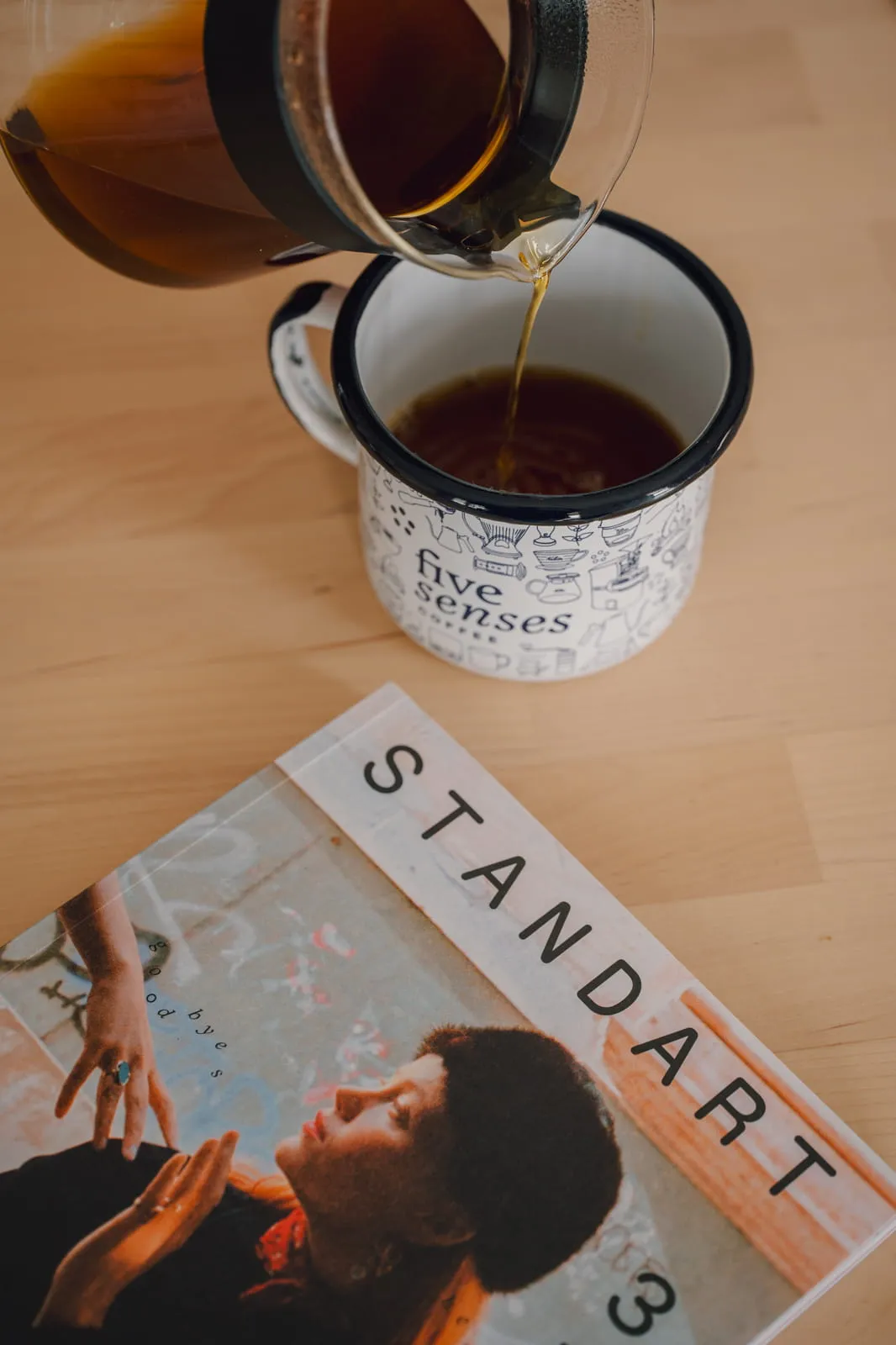

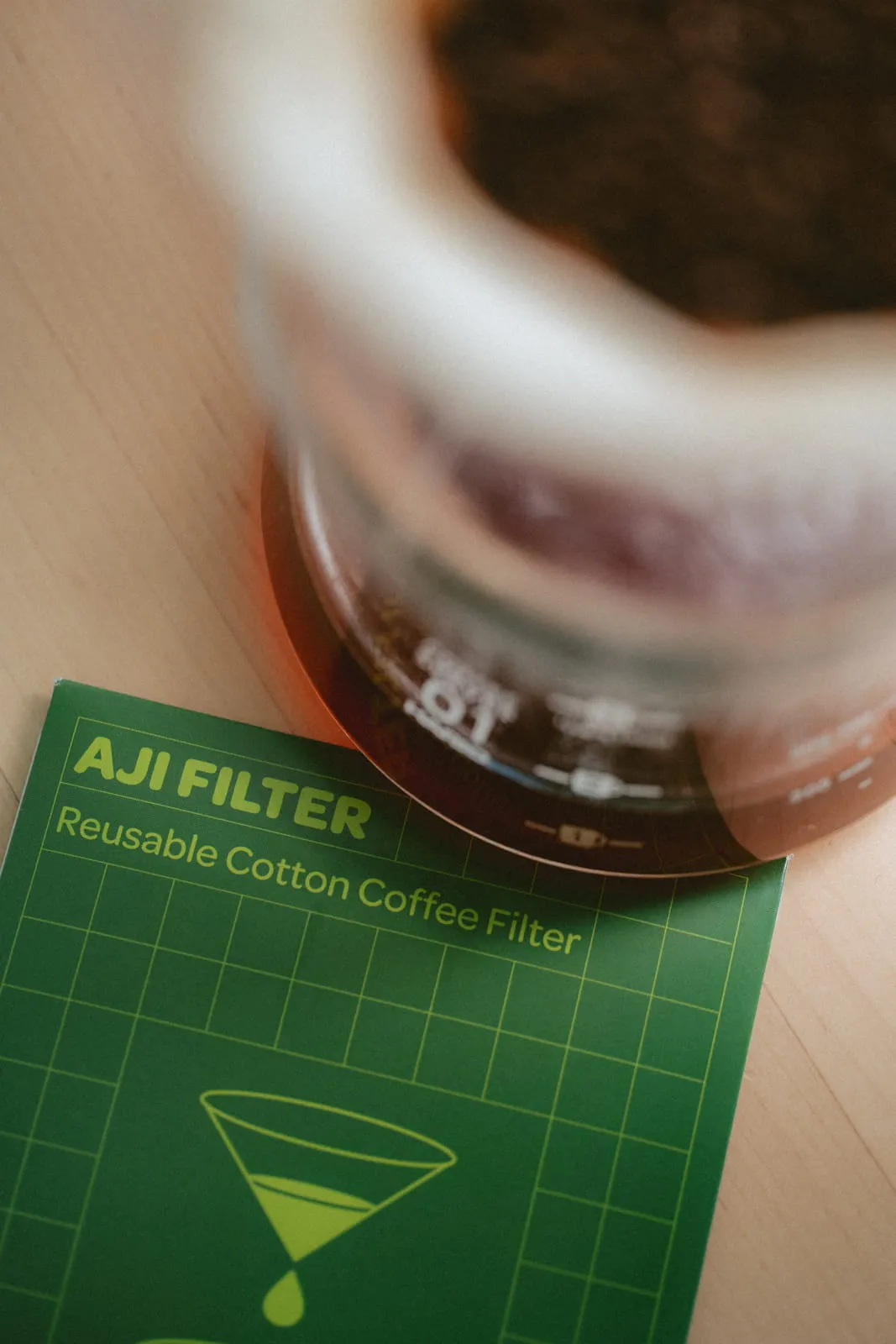
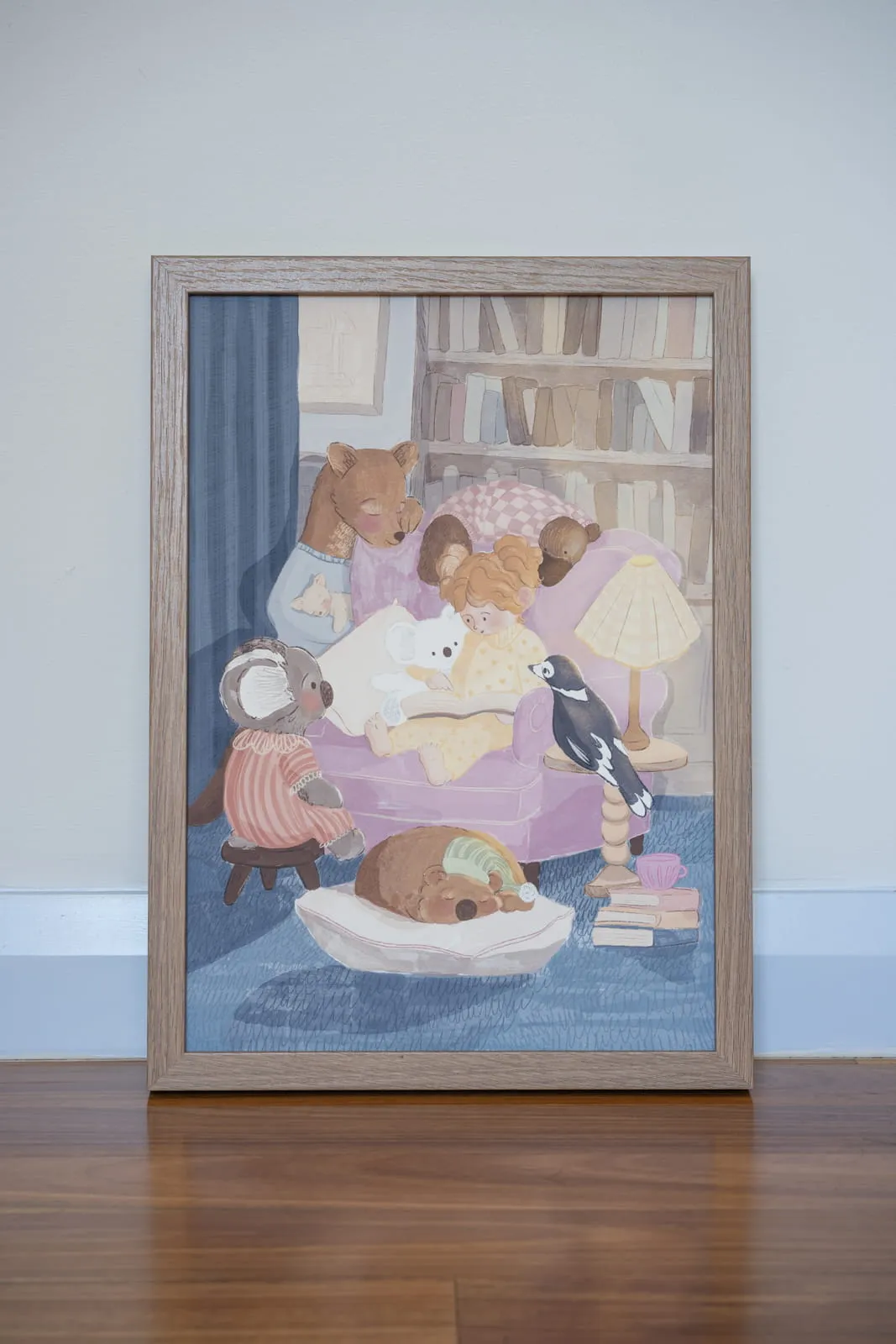


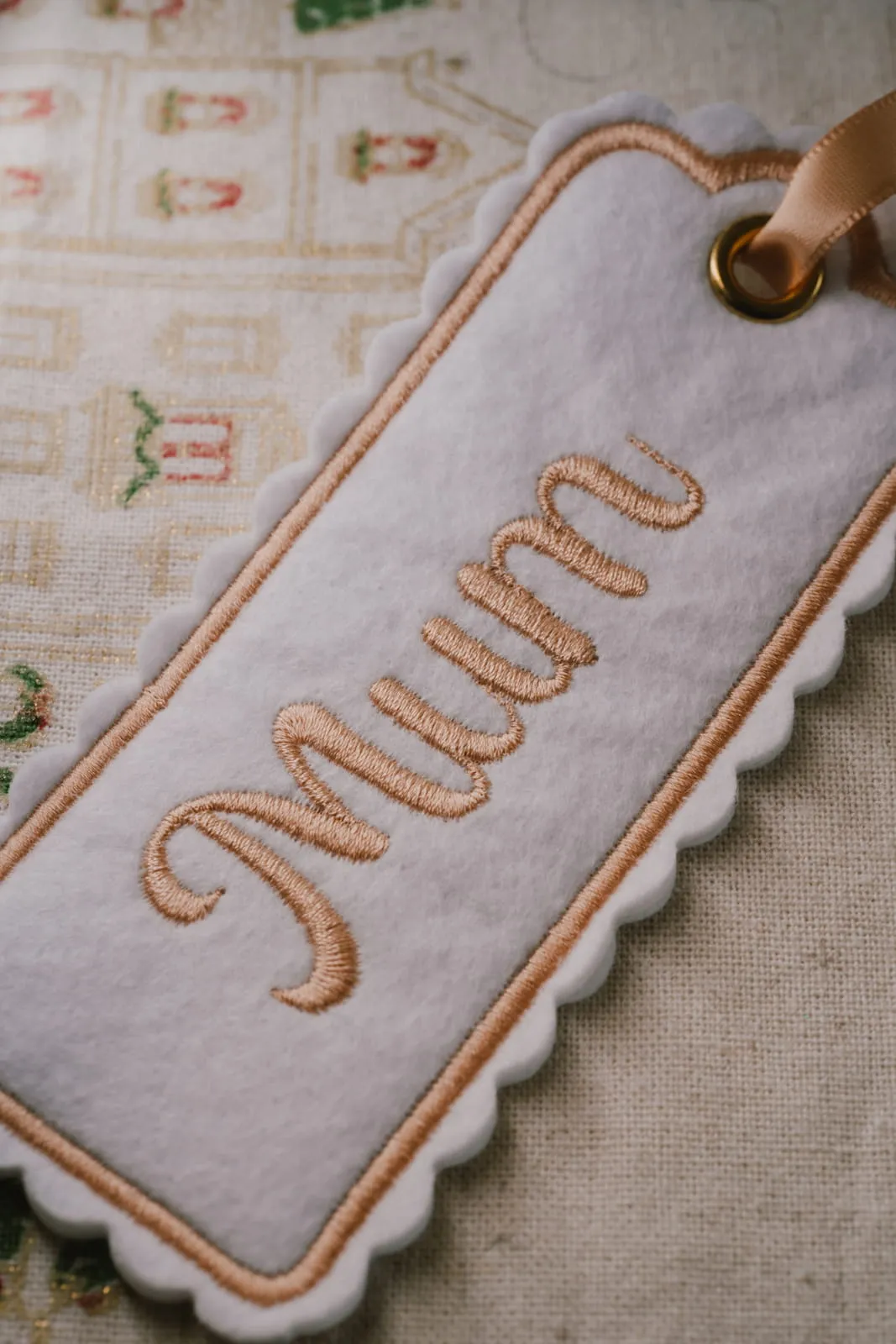
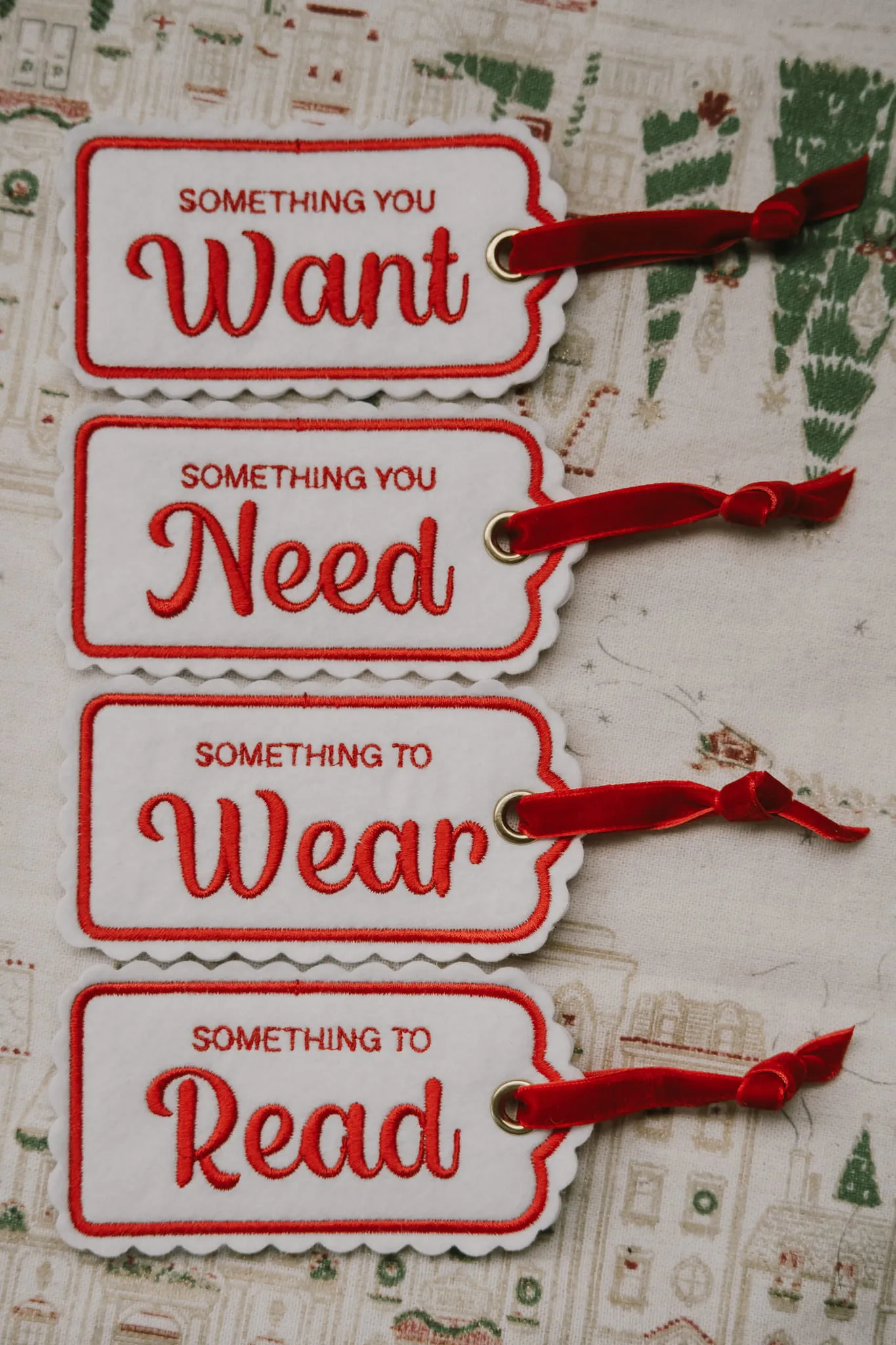
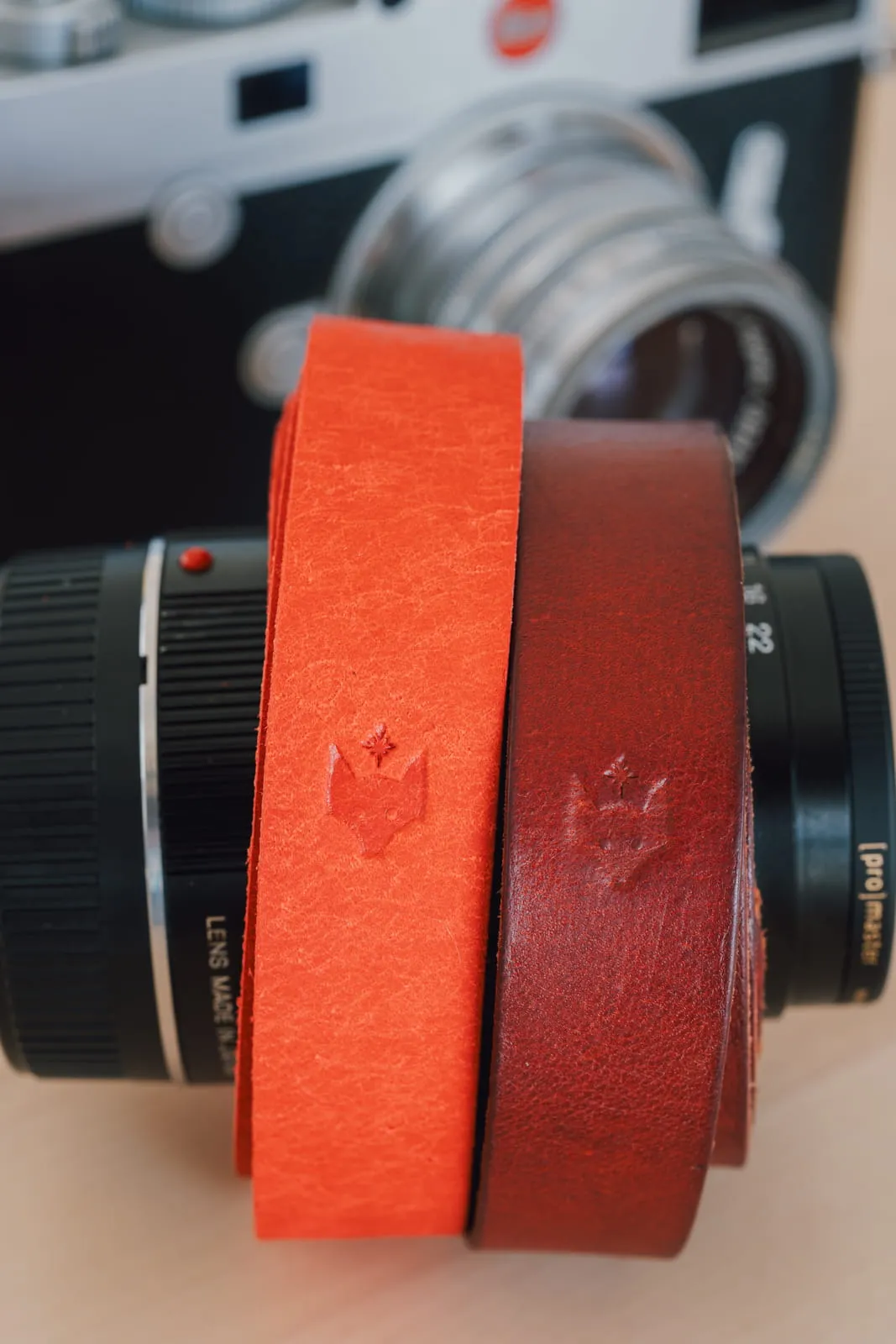
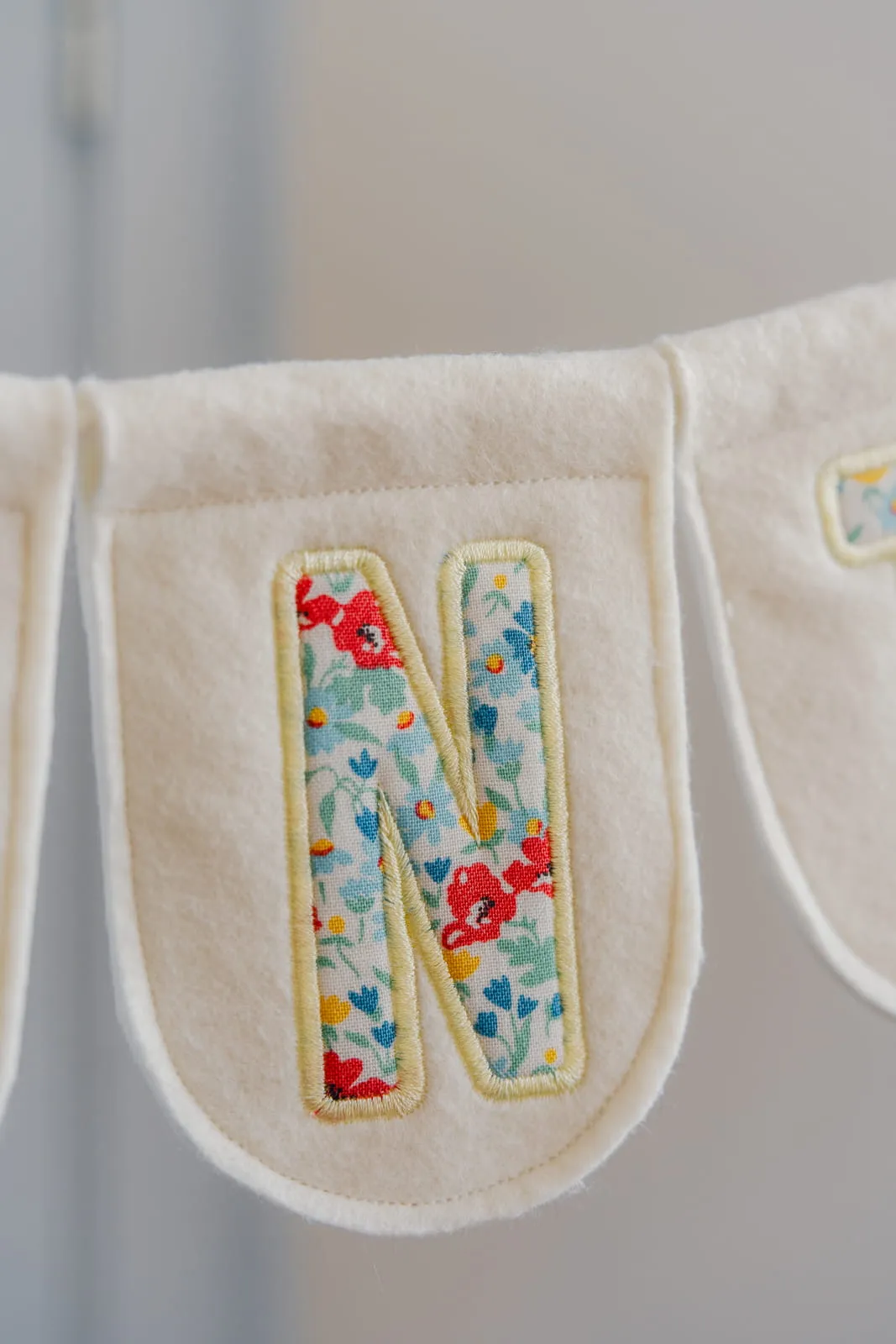
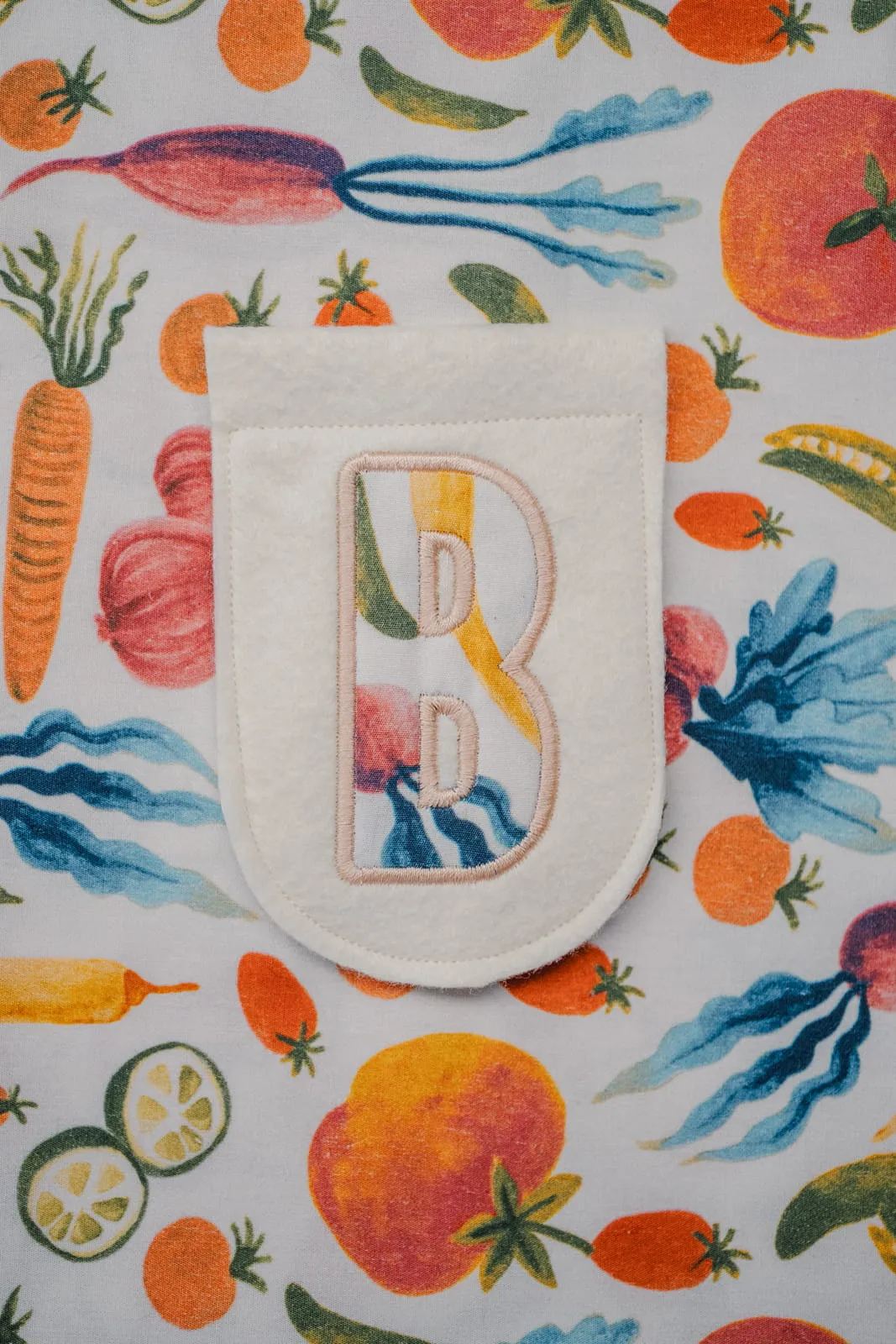

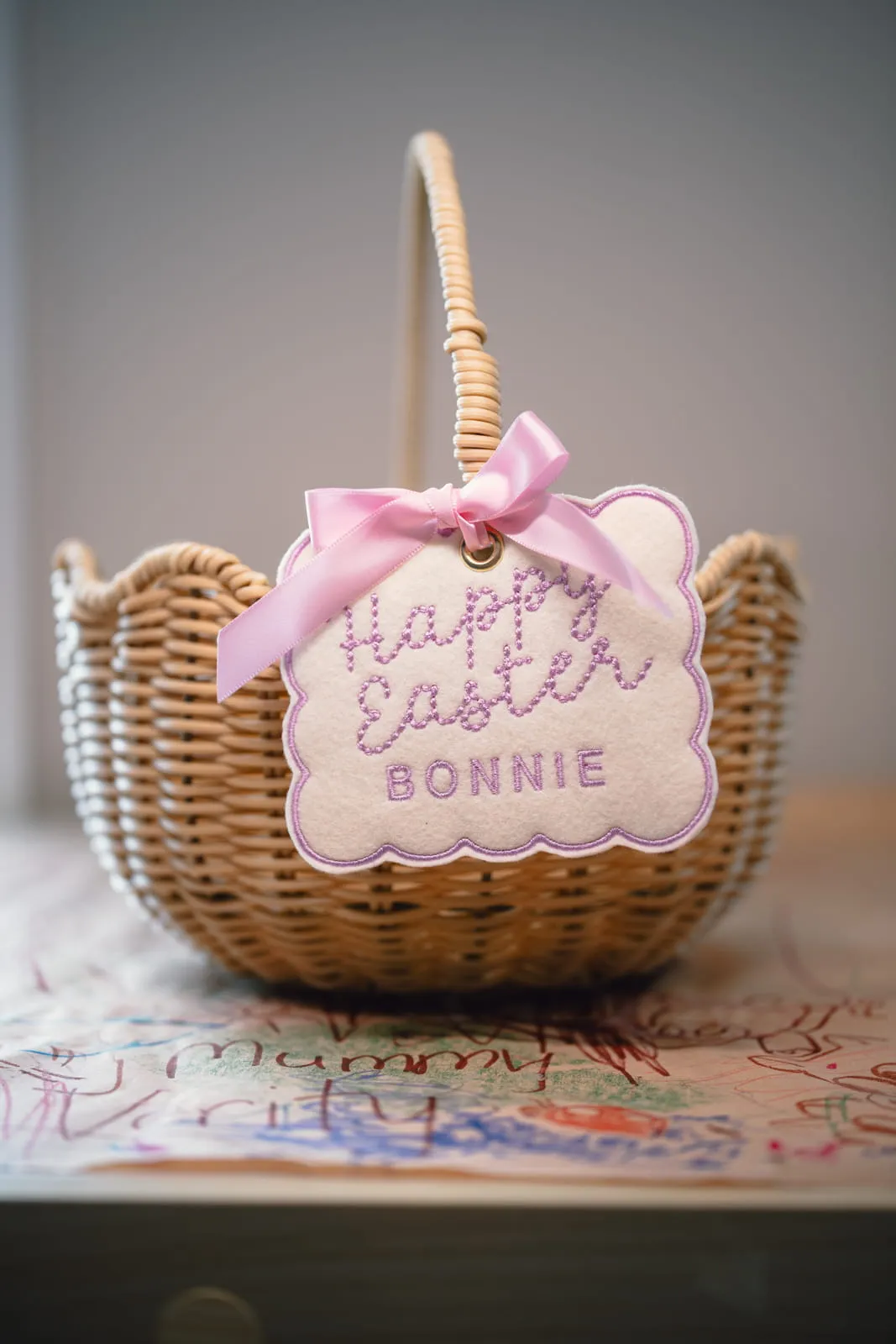

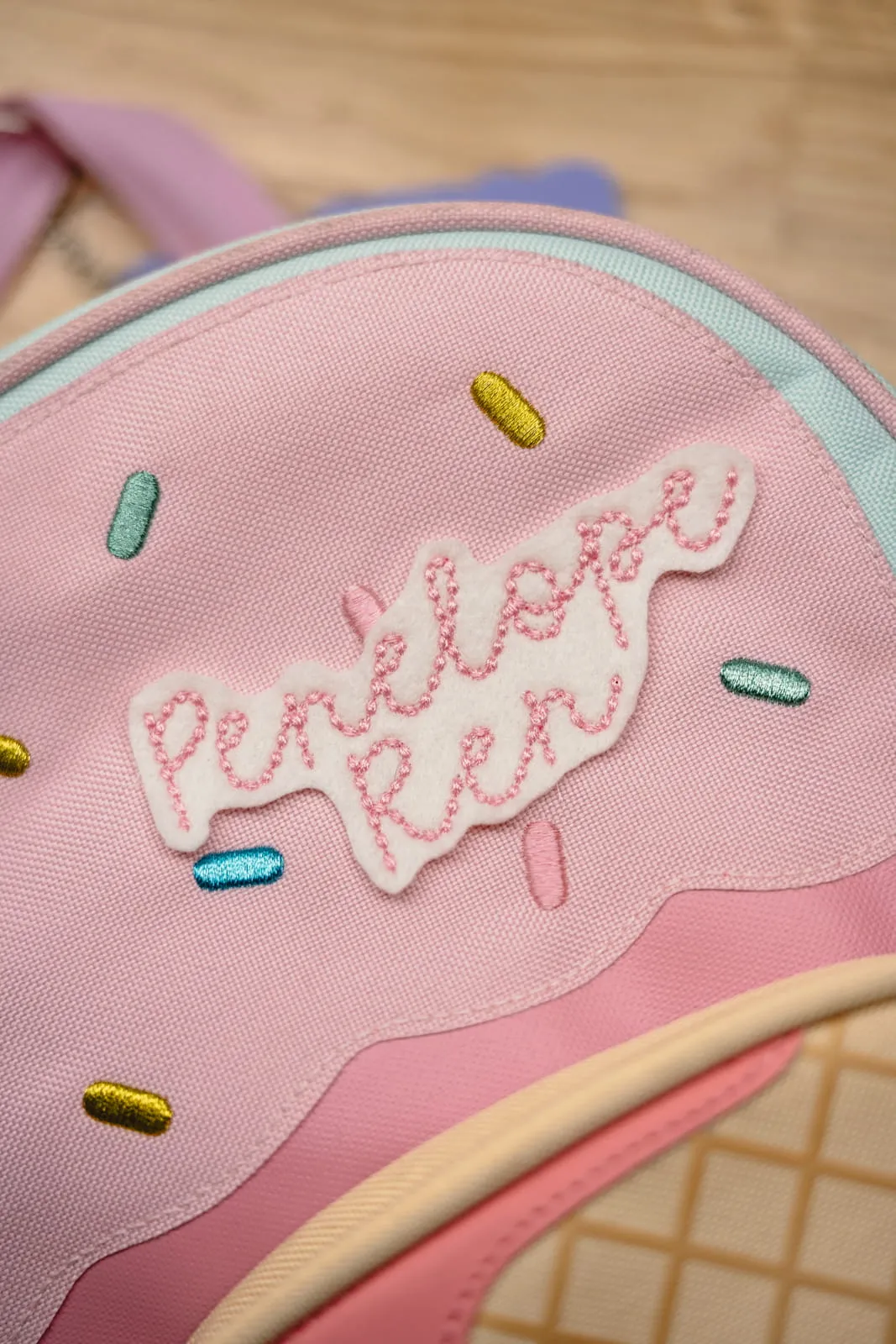

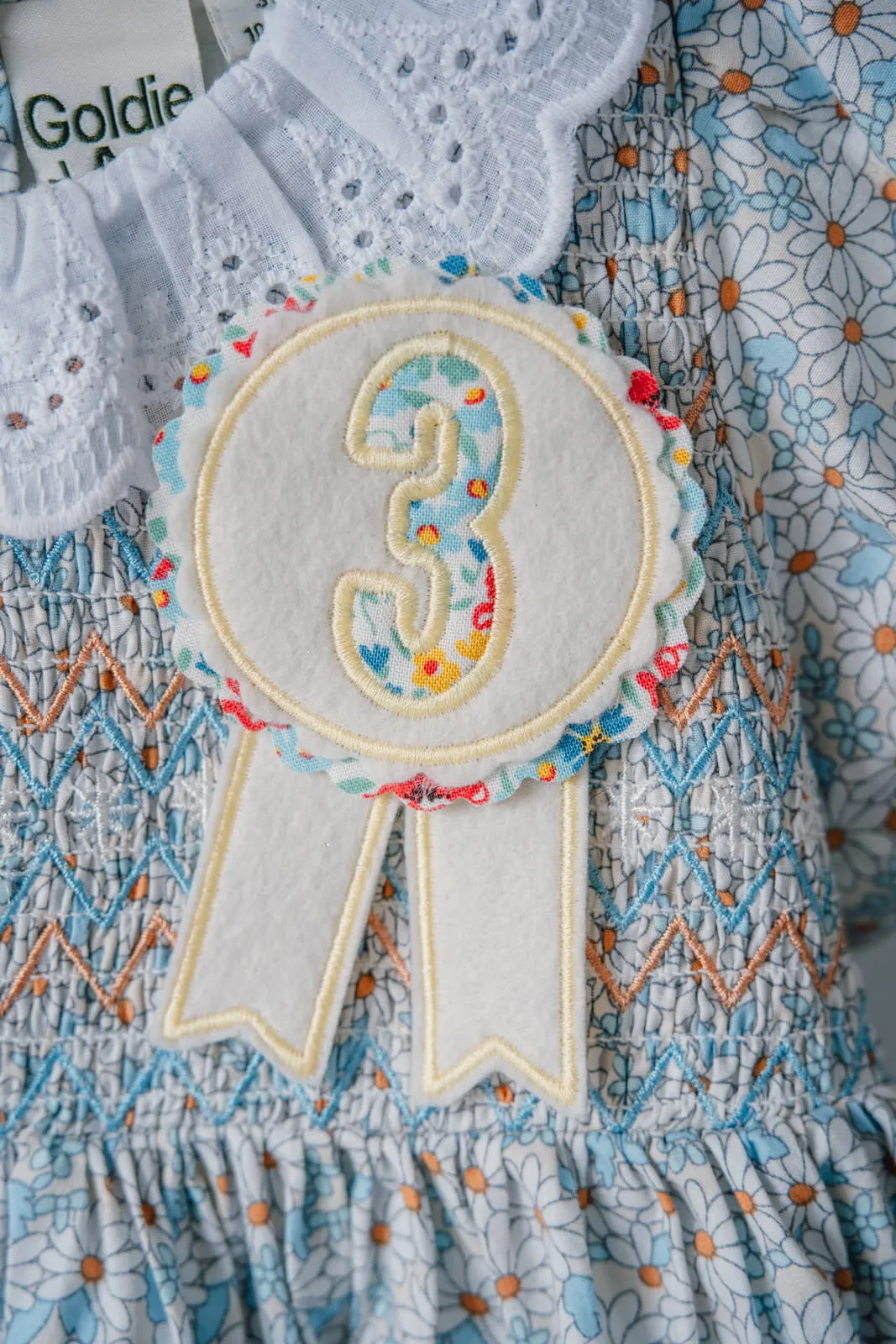
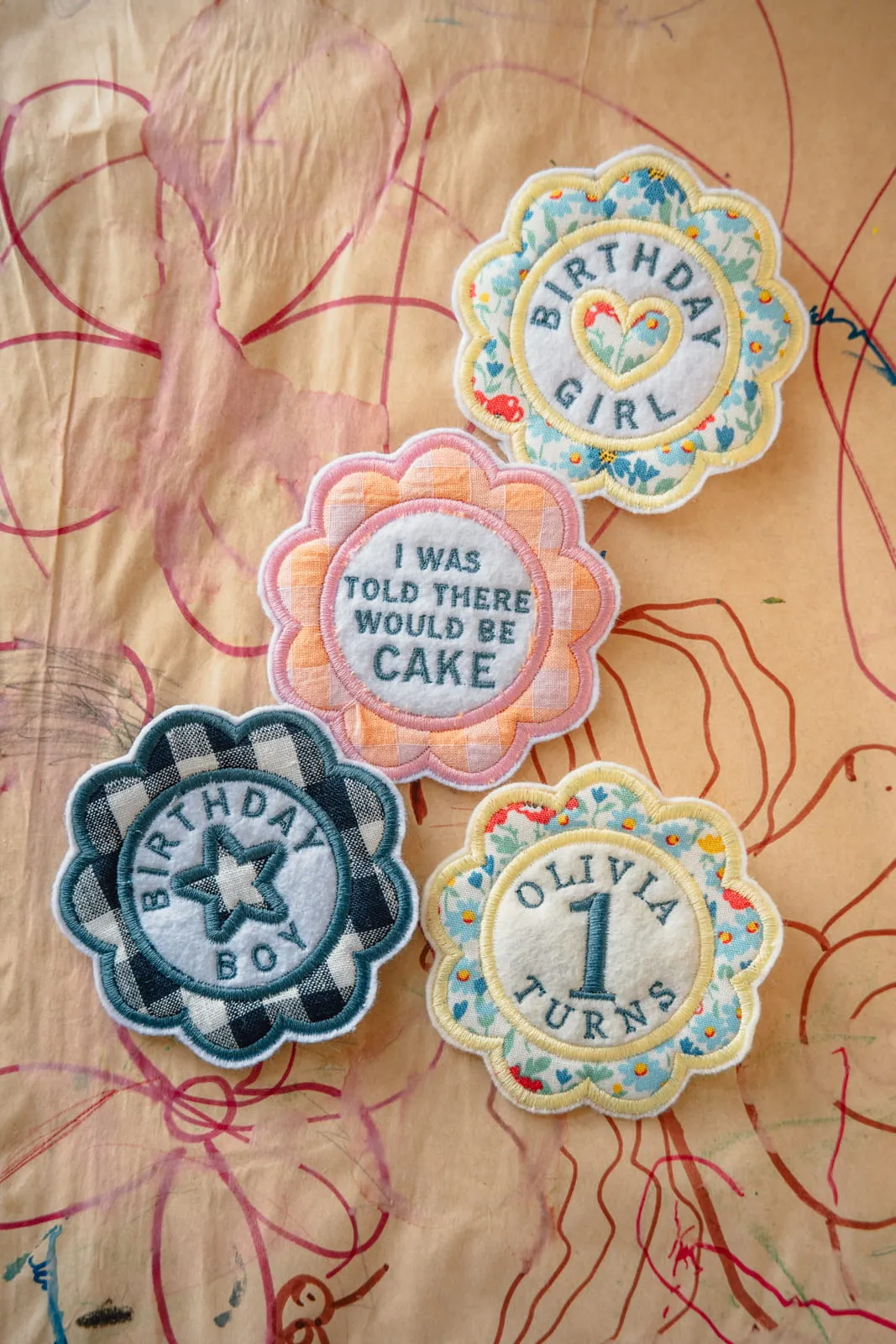

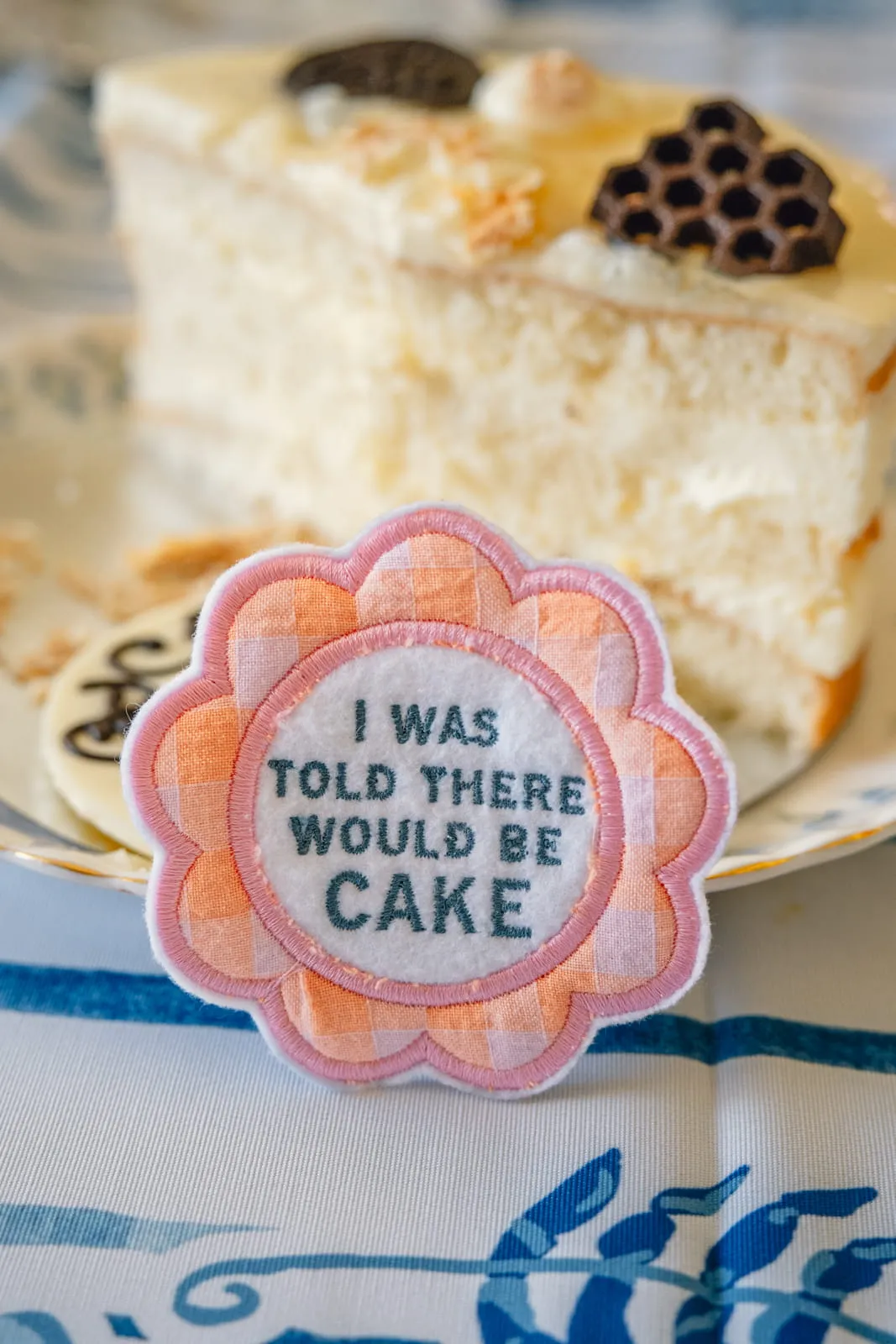

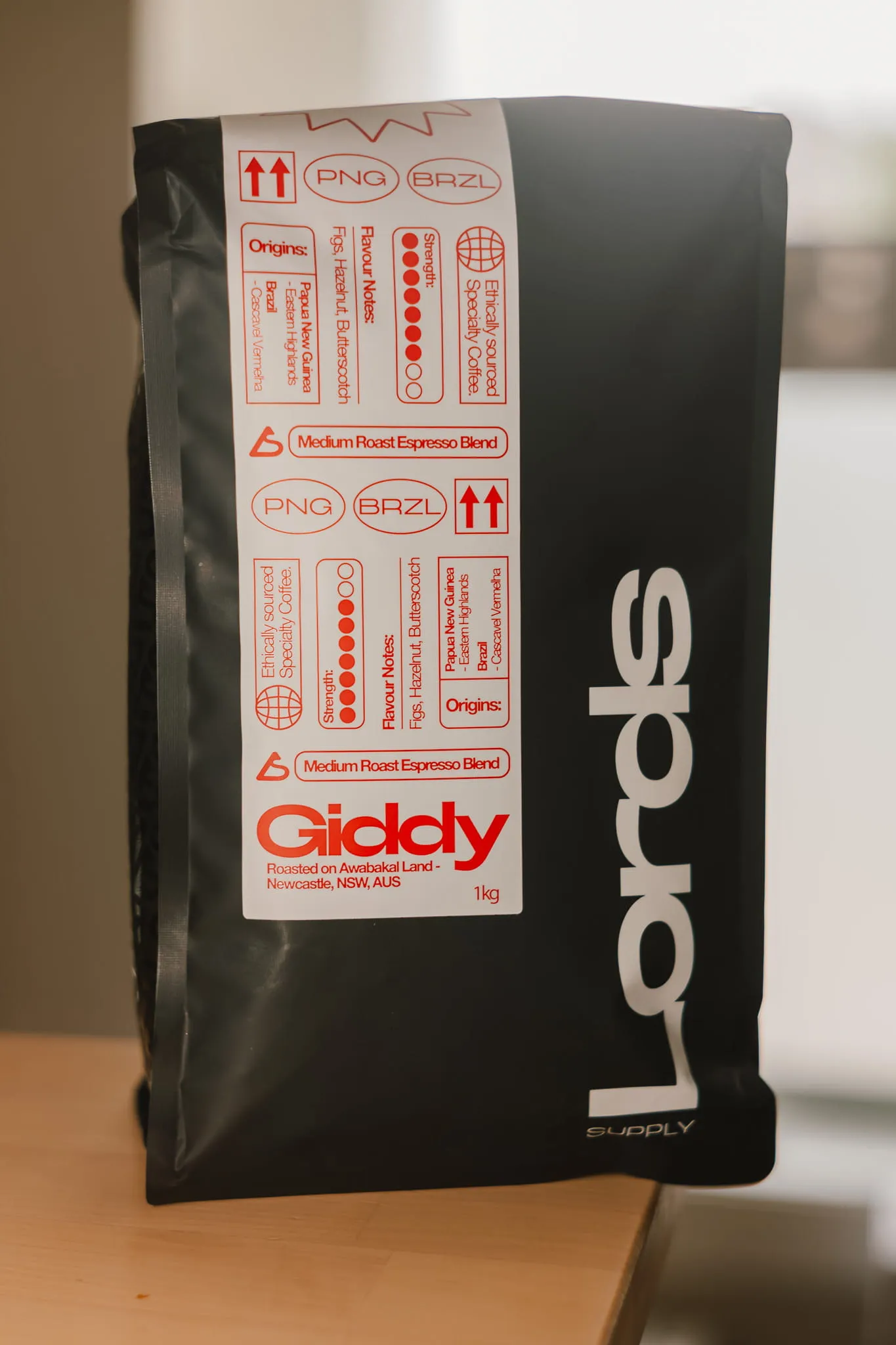
Your products deserve images that show them at their best.
You've put real time and care into what you make. The product itself is good. You know it's good. But there's a gap between what you can see in front of you and what the image captures. Clean enough, clear enough, but missing that something that makes people stop and look twice.
You've tried different approaches. Retaken them. Edited them. Got closer, but not quite there.
The good news is that closing that gap doesn't start with your phone or your camera. It starts with two things: light and composition. The fundamentals that every professional understands and applies regardless of what camera they're holding.
Behind the guide.
I take my camera everywhere. Always have. It started as a habit of paying attention, finding the detail in ordinary moments that makes them worth stopping for.
I've been a photographer for 15 years across commercial, portrait and product work, and spent nearly 10 of those years in photography retail. That combination means I understand not just how to use equipment but what actually makes a difference to an image and what doesn't.

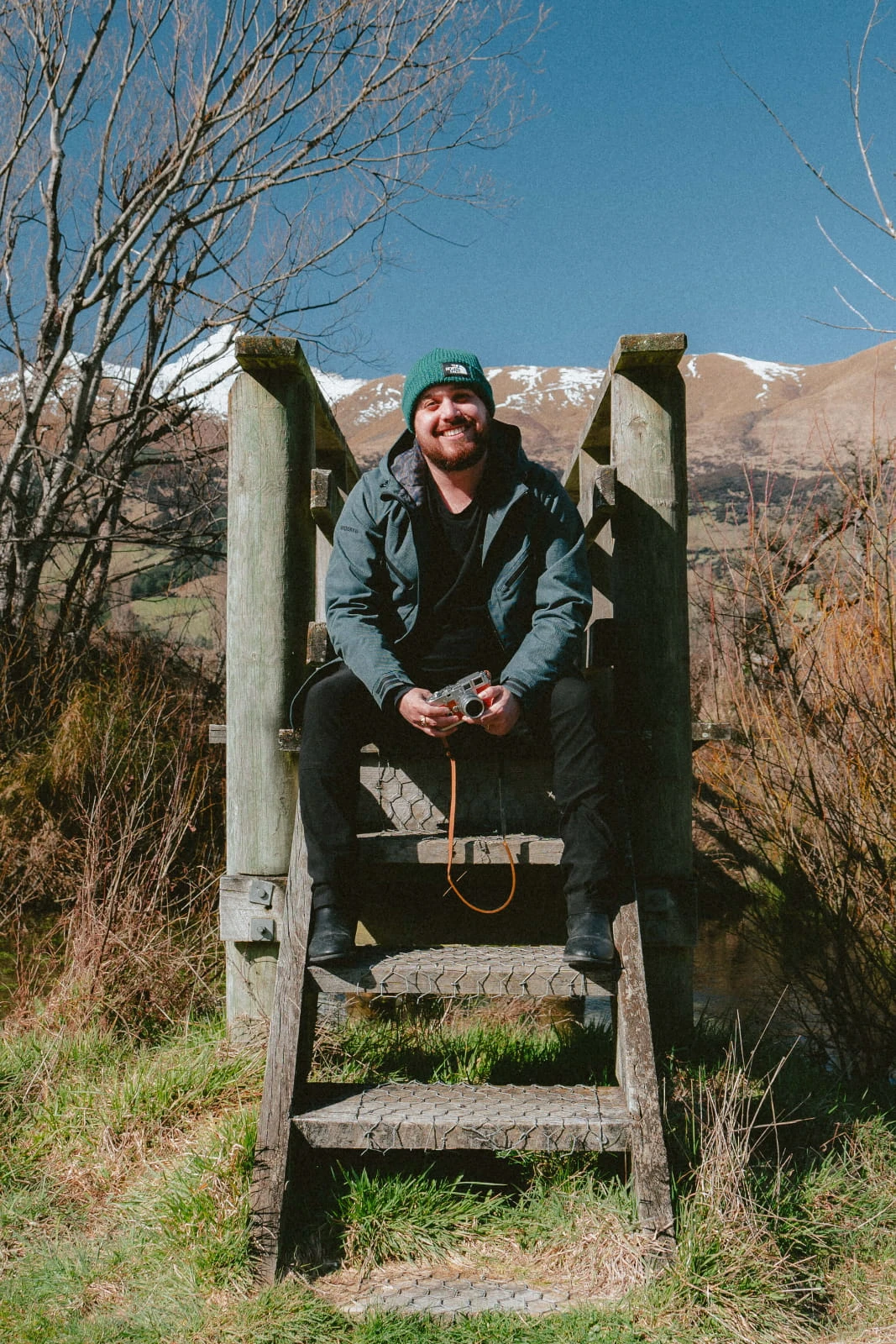
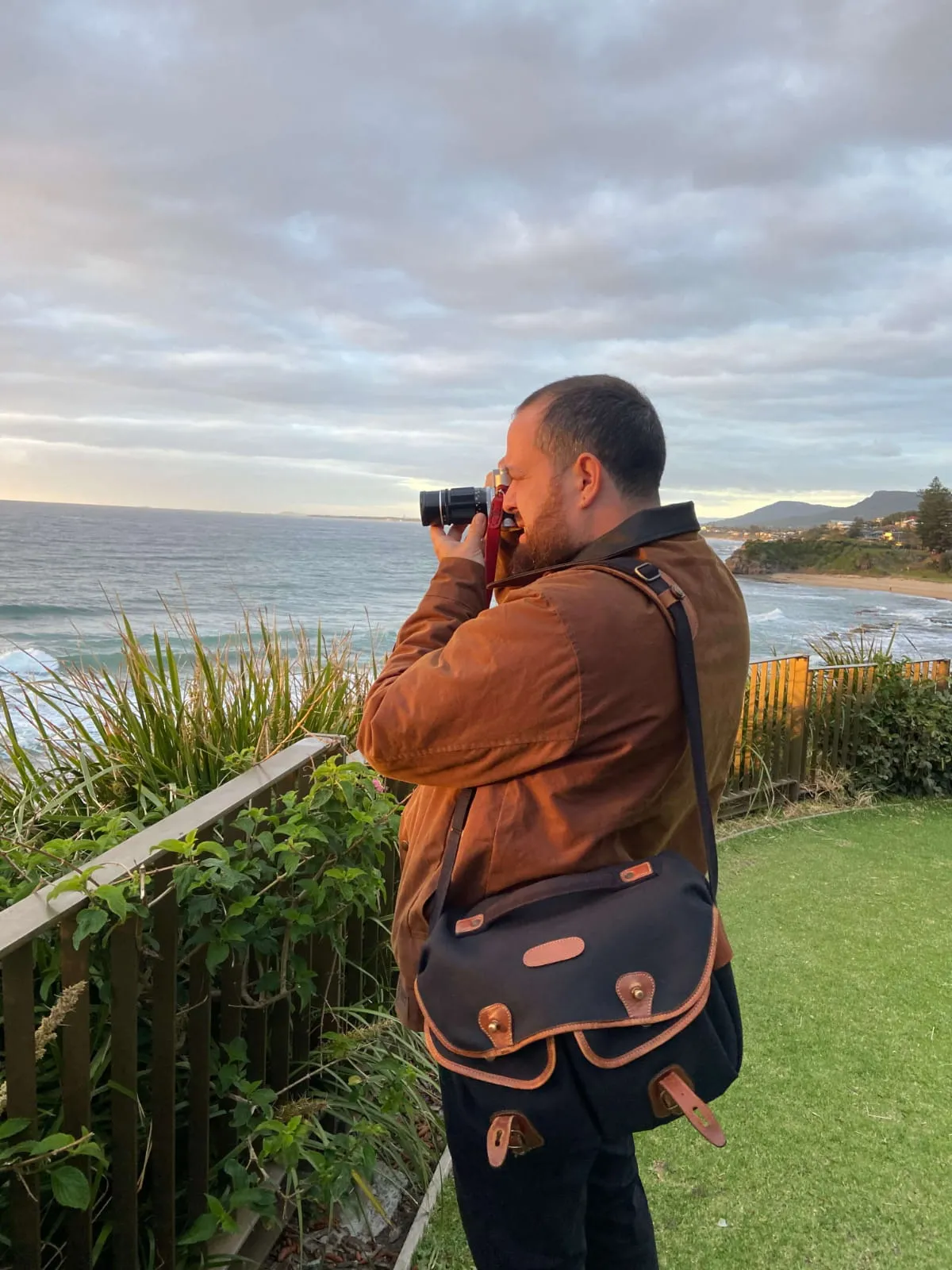
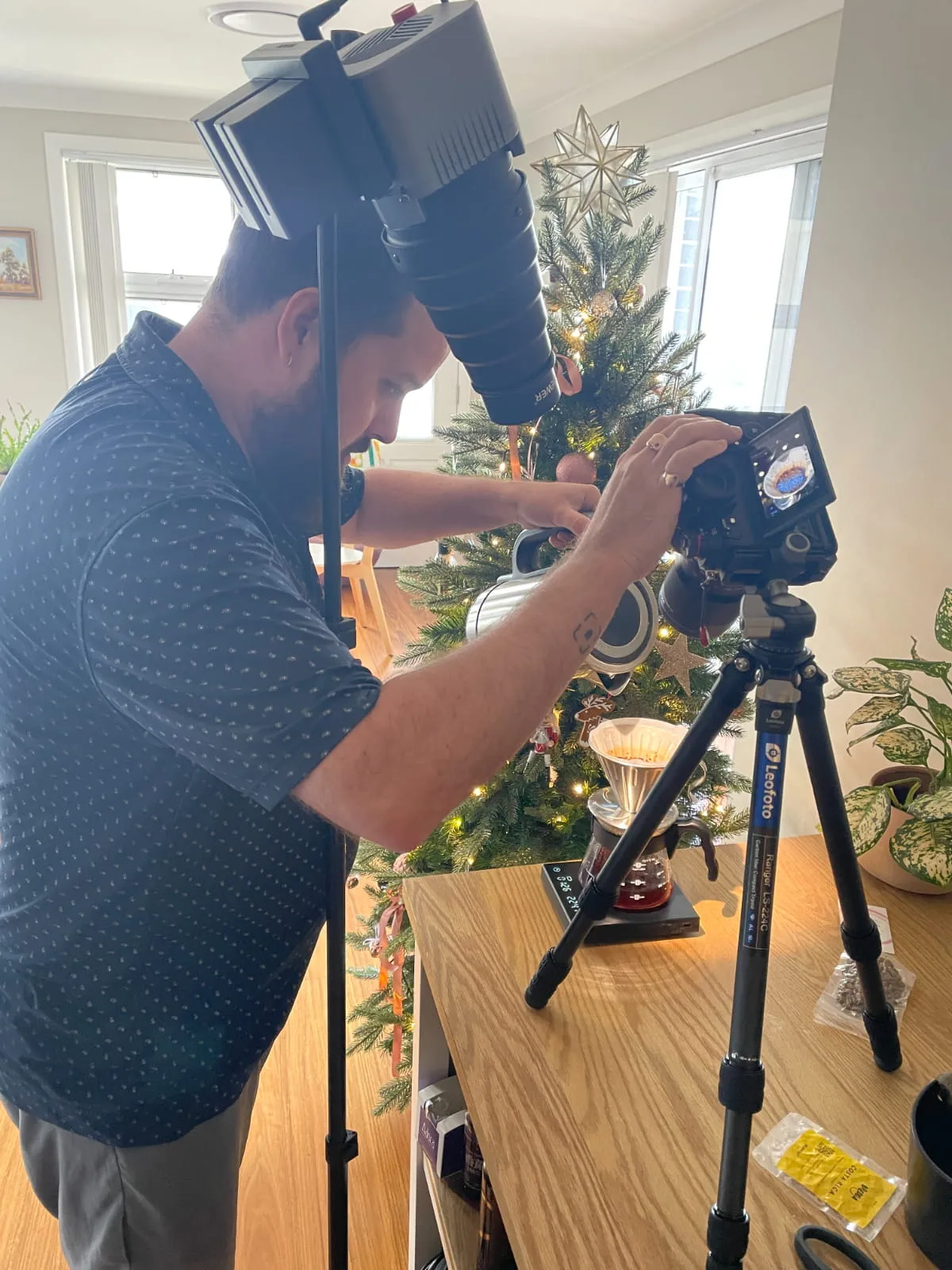
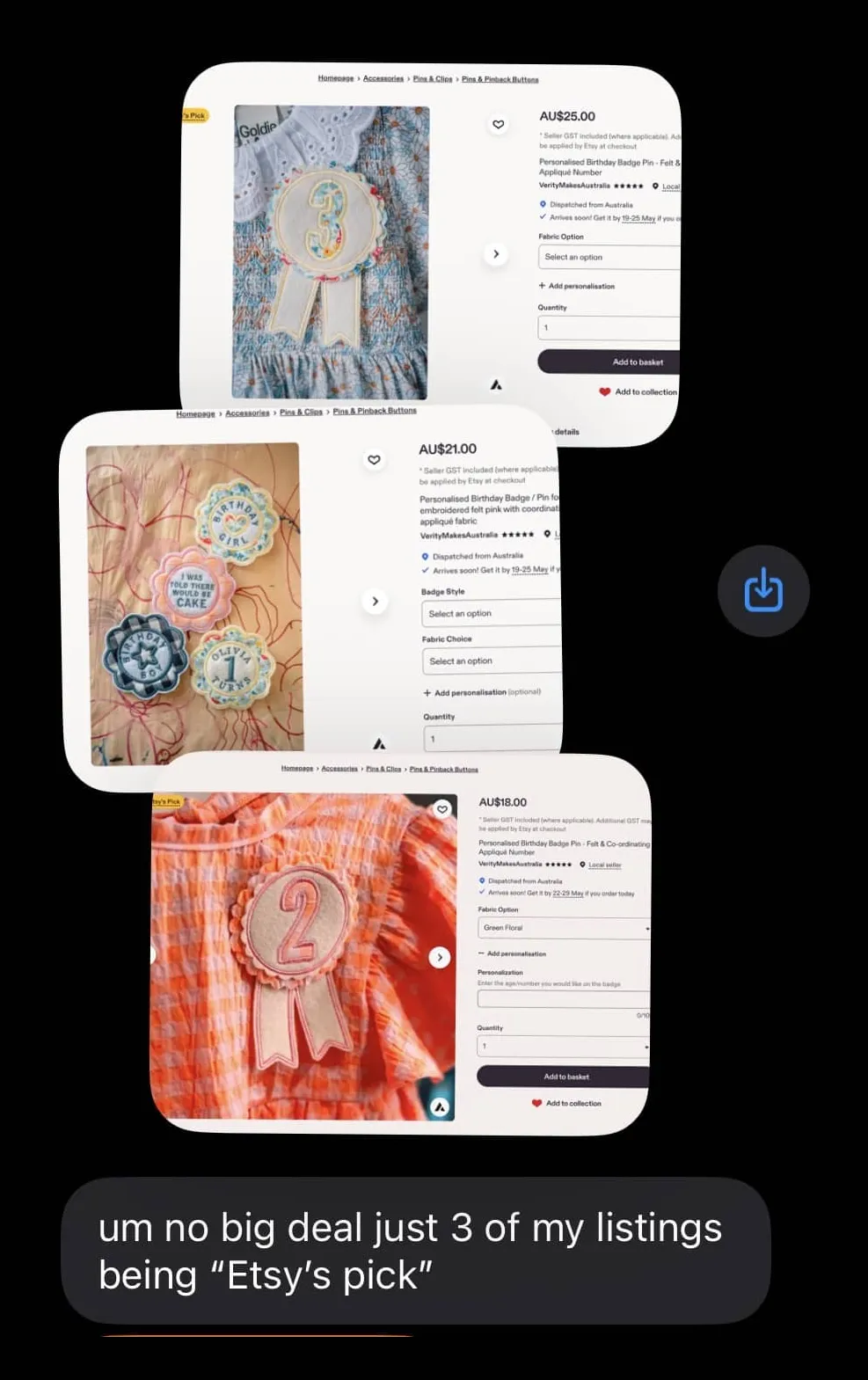
From day one of my wife's store being open I've photographed her products, and still do. A few of her listings have even earned Etsy's Pick. I'd love to take the credit, but that's really down to her. The products were always good. The photos just made sure that came across.
That's where this guide came from. Seeing how much care goes into what makers create, and how much more their photos could do to show it. It's built around real products and the real conditions makers work in, not a studio. It isn't about turning you into a photographer. It's about making sure the work you've already put in is the thing people actually see.
Tom — InsideFramelines
What if the gap in your product photos has nothing to do with gear or settings?
Your products deserve images that show them at their best. Getting there starts long before you take the image, just like the best things you make start long before the first stitch, cut, pour, or press.
This guide is built around the idea that better product photos don't start with better equipment. They start with knowing what your image needs to say, and building every decision around that.
The skills you develop here aren't just for product photography. They're the kind of creative foundations that change how you see and make decisions across everything you put in front of an audience.
Not a shortcut. Not a promise of overnight results. Just a clear, practical path to images that show your products at their best and say exactly what you want them to say.
What's inside the guide
Chapter 1
Understanding Your Product
Before a single image is made, learn how to look at your product the way your customer does and why that changes everything that follows.
Chapter 2
Finding Your Theme and Feel
Uncover the visual identity your brand already has and learn how to apply it to your images.
Chapter 3
Texture and Finish
Find out how your product's materials and finish should shape every decision you make before you set anything up.
Chapter 4
Composition and Framing
Learn the principles that make a viewer's eye land exactly where you want it to in every image you make.
Chapter 5
Platforms and Cropping
See exactly how Instagram and Etsy crop your images so you can frame with confidence every time.
Chapter 6
Working With Light
Understand how to use light to add depth, mood, and professionalism to your images no matter your setup.
Chapter 7
Putting It Into Practice
Everything you have learned, now ready to be put to work making images your audience will stop and notice.
Plus three bonuses included with the guide
Bonus
Understanding the Edit
A practical reference guide to the editing tools already on your phone, and how to use them to get more out of every product image you take.
Bonus
The Single Light Setup Cheat Sheet
A visual reference guide showing you exactly how to position a single light source to get professional-looking product photos, whether that's a window, a lamp, or a dedicated light.
Bonus
The Process Walkthrough: Seeing a Product the Way an Experienced Photographer Does
Watch 15 years of product photography experience think out loud as a real product gets taken from first look to final frame.
Frequently Asked Questions
I'm not a photographer and have no experience. Will this work for me?
This guide was built specifically for people who make great products, not people who know cameras. Everything is explained in plain language with real examples. If you can hold a phone you can apply what's inside.
Do I need a camera or expensive gear to take good product photos?
The guide works with whatever light you already have access to, including natural light from a window. To get the most out of the single light setup cheat sheet you will need a light, but a good one doesn't have to cost much. The light used throughout most of the guide costs less than $50. You don't need to buy anything before you start seeing real results.
I already bought a dedicated camera but my images still aren't where I want them. Will this help?
Yes. The guide is built around the fundamentals of light and composition that apply regardless of what you are capturing with. Whether you are on a phone or a dedicated camera the principles are exactly the same.
How quickly can I apply this?
The cheat sheet gives you a setup you can follow straight away. The guide and process walkthrough video can be worked through in a single sitting and most people will be thinking about their images differently by the time they're done. Like any skill it gets more natural the more you apply it, but you'll have everything you need to start making better images right away.
Will this work for my type of product?
The guide is built around a variety of product types with different textures, finishes and sizes. If you make a physical product and sell it online this was made with you in mind.
I've watched YouTube videos about photography before and it never really clicked. How is this different?
Most photography content is made for people who want to become photographers. This guide is built for people who want better product images. Everything in it connects directly to your products, your space and your phone. There's no theory for the sake of theory. Just the things that make a real difference to the images you're already trying to take.
What is your refund policy?
Because this is a digital product delivered to you instantly and in full at the point of purchase, we don't offer change of mind refunds. However if you experience a genuine issue with accessing or using the product, get in touch and we will make it right. Everything you need to make a confident decision before buying is right here on this page.
Start here: get Chapter 1 and start today.
Enter your email and Chapter 1 lands in your inbox straight away.
By signing up you agree to receive Chapter 1 and occasional emails about the guide and its launch.
Plus you'll receive an exclusive launch discount when the full guide drops.